Vertuo
Vertuo Up
Vertuo Up
 NEW2 YEAR WARRANTY
Yes
ALL GROUPS
No
No
No
0

VERTUO UP COFFEE MACHINE
Uplift your day with effortless precision.Combining slim, modern design with a rapid heat-up, Vertuo Up is ready to brew in 3 seconds, for an unforgettable coffee experience whether hot or iced. With its dedicated button, tap into Coffee Creations mode: concentrated brew made easy. Ice it, milk it, and savor bold flavor with less dilution.
Specifications
-
Fast Heat Up Time
30sec.
-
One-touch Cup Sizes
Ristretto, Espresso, Double Espresso, Gran Lungo & Mug
-
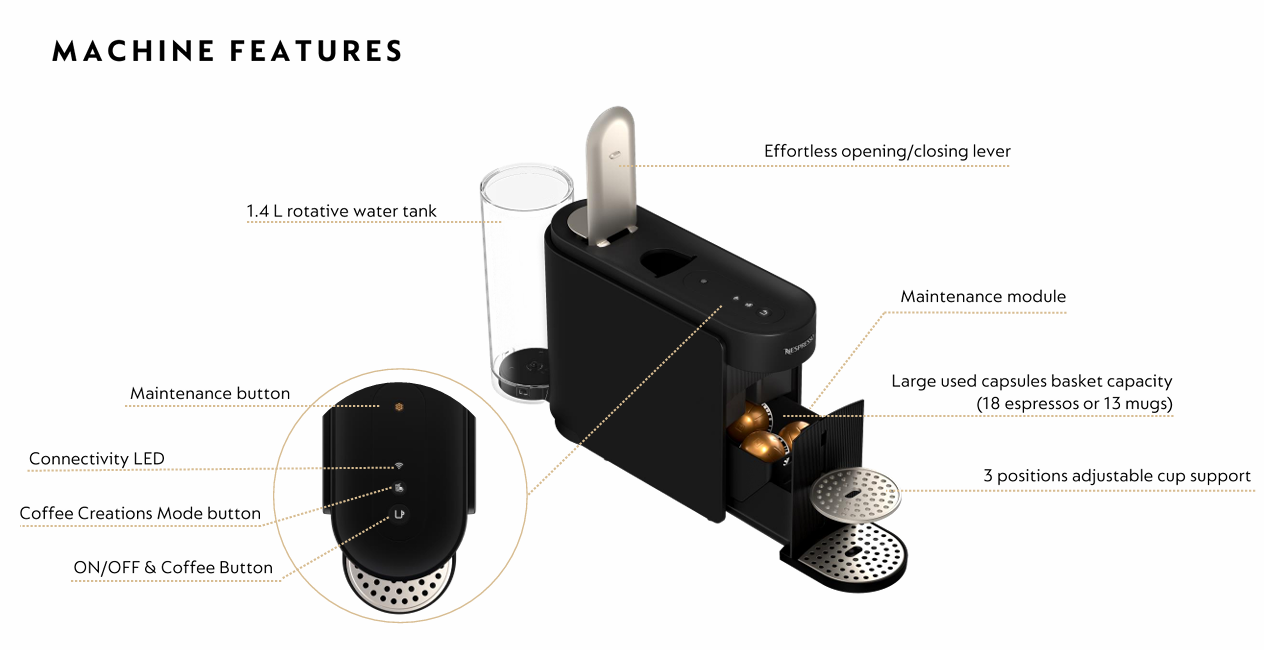
Movable Cup Support for Large Recipes
Adjustable cup holder
-
Energy Consumption Class
A++
-
Automatic power off
2 Minutes
-
Rotative Water Tank Capacity
1.4 L
-
Capsule Container Capacity
18 espresso or 13 mug capsules
-
Dimensions (W x D x H)
W 12 x D 49.4 x H 25.7 cm
-
Machine Weight
4 kg
-
Cable Length from Device Dispatch
~80 cm
Coffee Preparation
The Vertuo Up Coffee Machine brews 6 black coffee options at the touch of a button. Add ice for a refreshing iced coffee.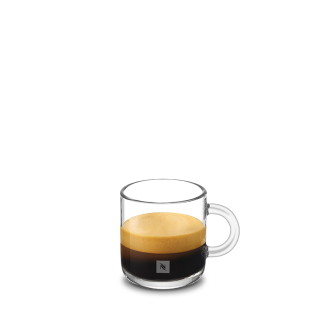
Ristretto
(25ml)
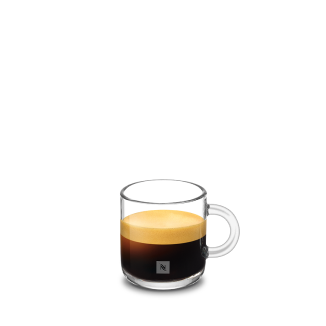
Espresso
(40ml)
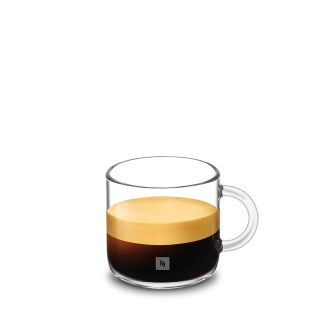
Double espresso
(80ml)
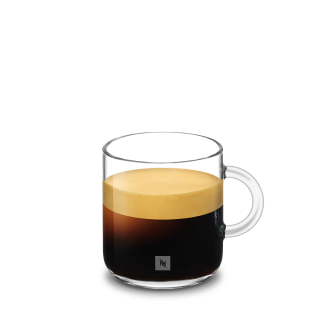
Gran lungo
(150ml)
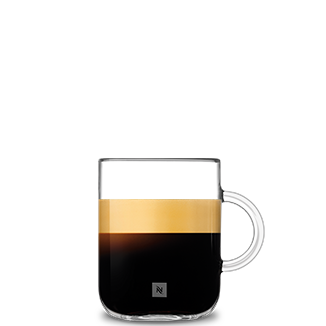
mug
(230ml)

Iced Long Black
(25ml)

Iced Latte
(25ml)

Cold Brew with Milk
(25ml)
DO YOU HAVE QUESTIONS?
-
Why is the Nespresso Smart App not available in my country?
The Nespresso Smart App requires specific digital infrastructure from Nespresso to operate. These features are not supported in the UAE, hence the app services cannot be activated.
-
Will the Smart App come, or is it uncertain?
The availability of the Smart App may evolve in the future, but we cannot confirm if or when it will become available.
-
How will I know if my connectivity becomes available?
If connectivity is not yet available, don’t worry, we’ll let you know. Simply login to your account, and check that your Account Information section under ‘My account’ is opted in to receive our marketing comms. You will not only receive clear communication as soon as connectivity becomes available for you, but also stay updated on our product launches, offers and limited editions.
-
Why does my Vertuo Up have a connectivity button/LED if I cannot use it?
The connectivity button and LED are an integral part of your Vertuo Up design. They are intended to clearly and intuitively indicate whether your machine is connected or not. If the machine is not connected, the Wi‑Fi LED will blink each time you turn it on, but you can turn it off at any time.
-
Will my coffee experience remain the same without connectivity?
Absolutely, your Vertuo Up continues to deliver high‑quality coffee without connectivity. Each cup is brewed at the optimal temperature, cup size and extraction, perfectly adapted to every capsule. The Coffee Creations mode also remains fully available, so you can continue to enjoy and create delicious coffee recipes at home. The Smart App is designed to complement this experience by unlocking additional digital features and services.
-
Which features are not available without the Smart App?
When the app is not available in your market, these connected features are not accessible. The essence of the Nespresso experience, however, remains fully unchanged: 1. Your Vertuo Up continues to brew each coffee at the optimal temperature, cup size and extraction, perfectly adapted to every capsule. 2. The Coffee Creations mode also remains available, allowing you to enjoy cappuccinos, iced coffees and other delicious recipes. 3. Coffee size customization remains possible directly on your machine. 4. Maintenance is fully supported thanks to the dedicated maintenance button, the User Manual, and our clear step by step available on YouTube. In short, the Smart App brings additional digital comfort, while your Vertuo Up is designed first and foremost to deliver an exceptional coffee experience, every cup, every day.
-
Will I be able to fully enjoy Coffee Creations mode without the Smart App?
Absolutely. Coffee Creations mode works directly on your Vertuo Up, without the need for the Smart App. Thanks to its dedicated concentrated extraction, Coffee Creations mode offers the versatility to prepare bold coffee recipes as well as refreshing iced creations, at the touch of a button.
-
How do I follow rinsing, descaling, or maintenance steps if the manual mentions Smart App guidance?
All essential maintenance steps — including rinsing and descaling — can be performed directly on your machine using the dedicated maintenance button. They are clearly explained in the User Manual and on the Machine Assistance page available on our website. In addition, our step by step available on YouTube guide you through each maintenance action, ensuring a simple and reassuring experience at every stage.
- Will I receive descaling alerts without the Smart App?
You will not receive alerts on your phone, however the maintenance button under your lever will light up in orange when descaling is needed.
- Can I personalize coffee sizes or temperature without the Smart App?
Without the Smart App, temperature customization is not available. However, coffee length customization remains possible directly on the machine: simply press and hold the main button for at least 5 seconds, then release it once you reach your desired coffee volume. This setting is saved by coffee size and will automatically apply to all future capsules of the same size.
- I bought VertuoUp in another country and already paired. Can I remove it from the Nespresso Smart App & how?
Yes, once paired, you can remove your machine from the Nespresso Smart App at any time by following the in-app instructions to unpair your machine (remove my machine section).
- What is the Coffee Creations mode button for?
The Coffee Creations mode button is designed to deliver a concentrated brew. Whether you're pouring it over ice or blending it with milk, this mode delivers bold, barista-style flavour with less dilution. It's the base for crafting any coffee recipe you want.
- Why is the Coffee Creations mode better for over-ice & milk-based recipes?
This mode brews a more concentrated coffee, preventing dilution once poured over ice or blended with milk.
- Is this concentrated brew drinkable by itself?
We do not recommend drinking the concentrated brew on its own. It is designed to be used as a base for milk recipes or other preparations. Consuming it directly may result in an overly intense flavour profile that does not reflect the intended taste experience. For optimal results, it should be combined with milk or other ingredients as part of a complete beverage recipe.
- Why not use a smaller capsule size instead of reducing the coffee quantity of a larger capsule?
Although the quantity is smaller, the coffee is more concentrated, as less water passes through the same amount of coffee grounds. This ensures a bold and flavorful taste — especially when enjoyed over ice or with milk.
- Once ON, how can I disable it on my machine?
To disable Coffee Creations mode, simply press the Coffee Creations button once. The machine will then switch back to standard brewing mode.
- Once enabled once, is it active for all the coffee brewed with my Vertuo Up?
No, Coffee Creations mode is not permanent. It remains enabled only while the machine is turned on. Once the machine is switched off, you will need to activate the mode again.
- Why are some capsules not compatible with the feature?
Some capsules are not compatible or recommended with Coffee Creations mode because they are designed for specific cup sizes and extraction profiles. Using them in this mode would not deliver the intended taste experience. To fully enjoy the benefits, we recommend brewing our Coffee + range using only the official cup sizes. For the best in-cup results, we do not recommend brewing our Ristrettos, XL (Alto Ambrato, Alto Onice), Cold Brew Style & Carafe Pour Over Style with this mode. For Bianco Piccolo and Bianco Doppio, the extraction parameters are already pre-programmed to be mixed with milk. You'll find the recommendations on our coffee packaging.
- Why is my coffee creations mode extraction the same as a standard brew?
If your coffee brewed in Coffee Creations mode appears identical to a standard extraction, it means that the capsule you inserted is not compatible with this feature. In that case, the machine automatically disables Coffee Creations mode and proceeds with the capsule’s programmed standard recipe. For Bianco Piccolo and Bianco Doppio, the extraction parameters are already pre-programmed to be mixed with milk. You'll find the recommendations on our coffee packaging.
- Is the Coffee Creations mode in-cup temperature different?
Yes, with Coffee Creations mode, the in-cup temperature is slightly lower than with a standard extraction — ideal for preparing a bold, refreshing cold coffee.
SHOW MORE QUESTIONS
No
Who Bought This Also Bought